Server overview
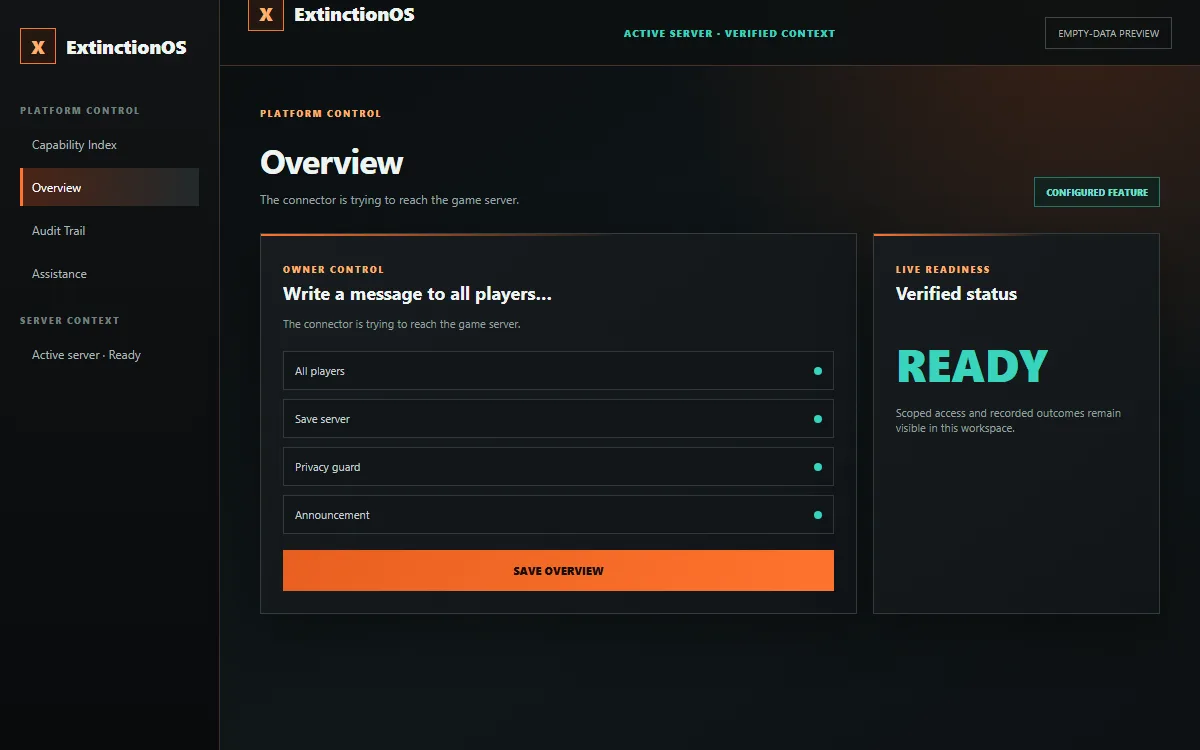
Curated empty-state preview. Defaults are examples, not recommended settings; longer destinations may continue below the frame.
INDEPENDENT TOOLS FOR THE ISLE EVRIMA SERVER OWNERS
ExtinctionOS brings server-owner controls, player-facing experiences, verified game actions, and the Windows Companion into one independently operated platform for The Isle Evrima communities.
Owner-published experiences · Scoped staff authority · Recorded live actions
PRODUCT FIELD GUIDE
Explore freshly rendered empty-data previews from the unified V78 design system. Select a destination to review its purpose and controls without exposing a live server or account.
Curated empty-state preview. Defaults are examples, not recommended settings; longer destinations may continue below the frame.
PLAYER COMMAND SYSTEM
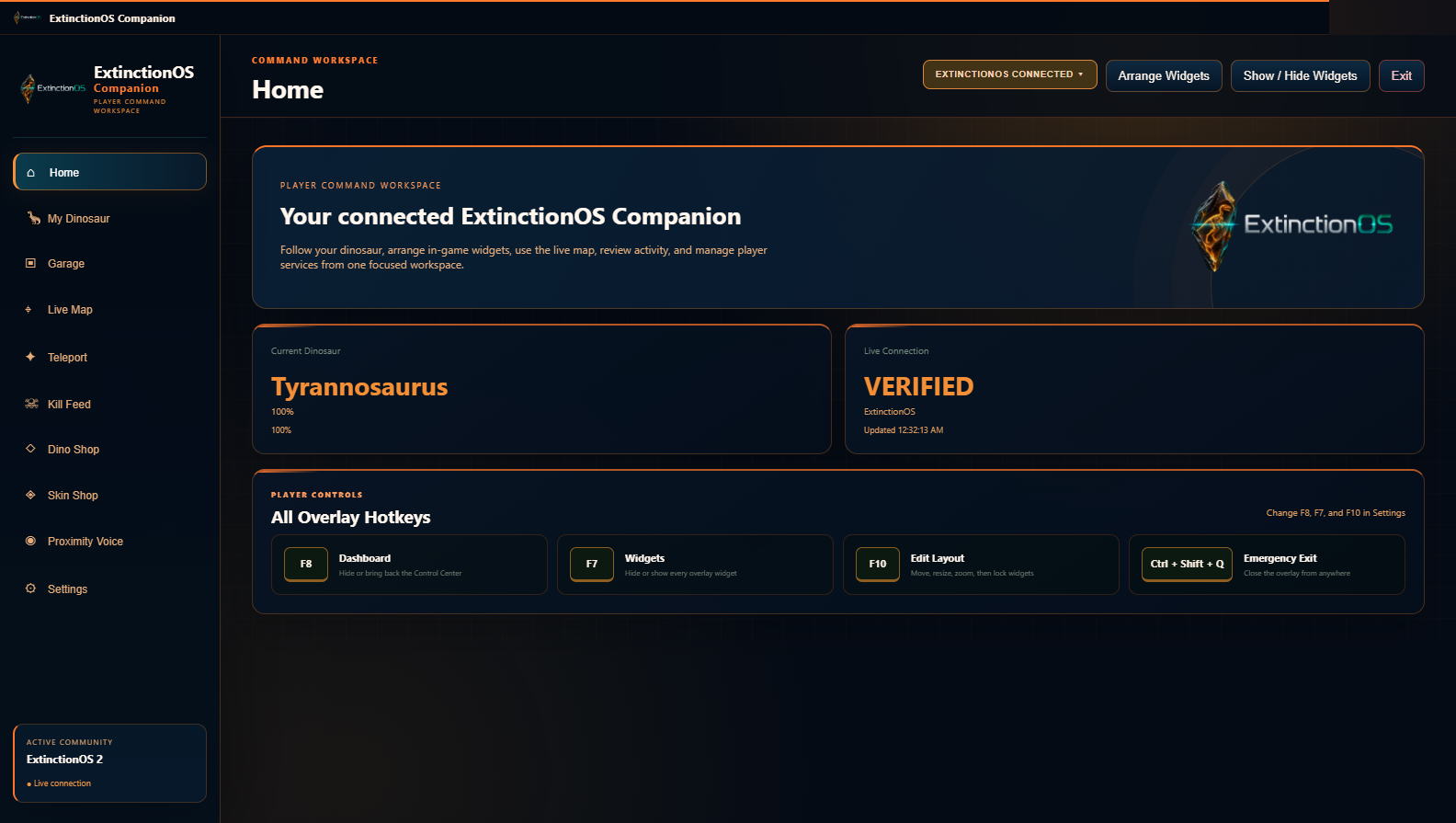
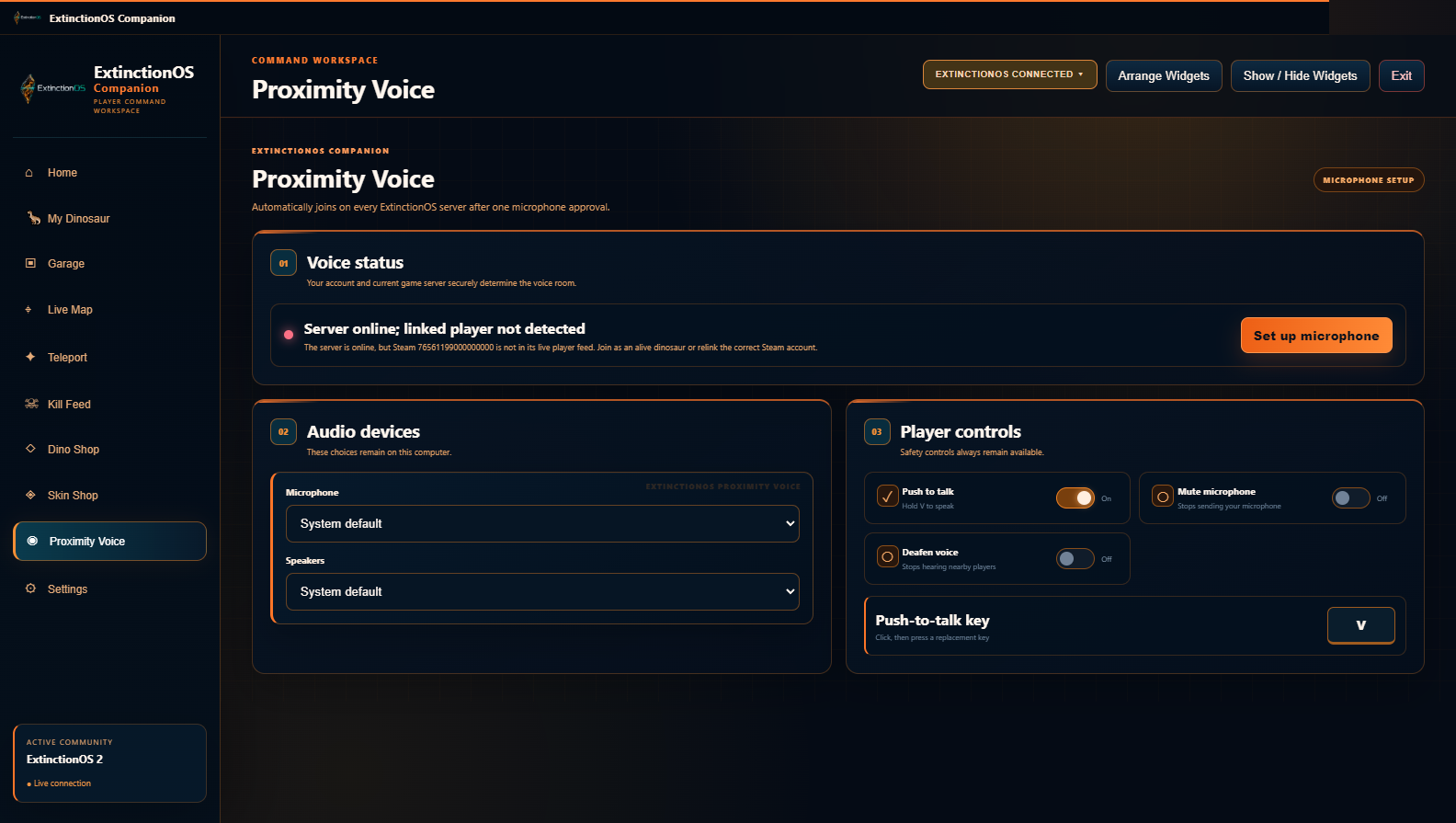
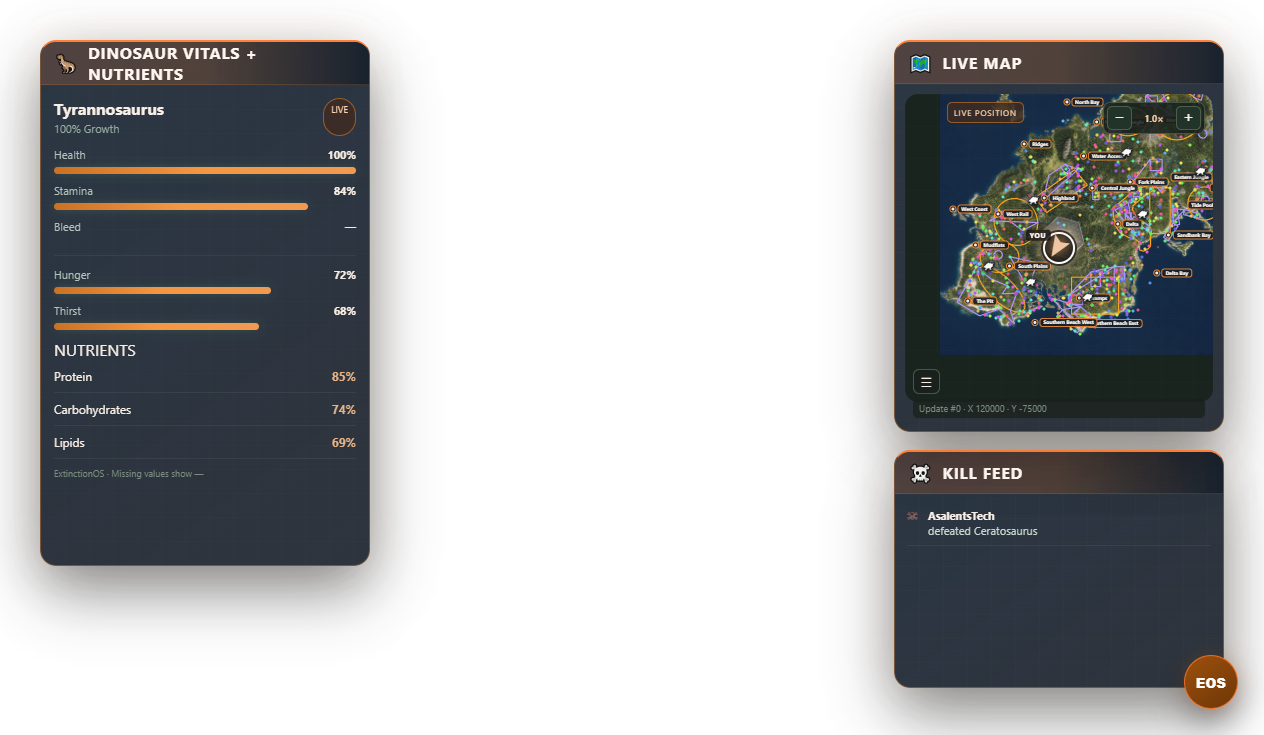
Verified V85 interface captures from the ExtinctionOS Companion 1.6.17 build offered by every download button. Values shown are controlled preview data; no live identity, coordinate, or credential is exposed.
GOOD COMMUNITIES KNOW GOOD COMMUNITIES
Use the Referrals page to generate your personal link and follow qualifying referrals and available credits. Share the product tour so other owners can decide with the same clarity.
Credits depend on the platform’s qualification rules and confirmed payments. They are not guaranteed cash earnings.
AN OPERATING MODEL, NOT A TOOL PILE
Each workspace keeps configuration, runtime readiness, staff authority, and results in the same operational context.
Calibrated maps, habitat seeding, species capacity, climate schedules, ecosystem resources, and vegetation rules share one world-focused workspace.
Dinosaur Reserve, Species Market, Appearance Market, quests, seasons, and community credits connect game identity with owner-selected player experiences.
Connector readiness is shown before supported live actions, while scoped access and recorded outcomes make responsibility visible.
The ExtinctionOS Windows Companion provides the platform’s overlay and required proximity voice as part of the same product family.
THE COMMUNITY FIELD NETWORK
Choose which experiences appear, apply your own logo and background, and publish a server-specific field network that shares the ExtinctionOS design language without erasing your community identity.
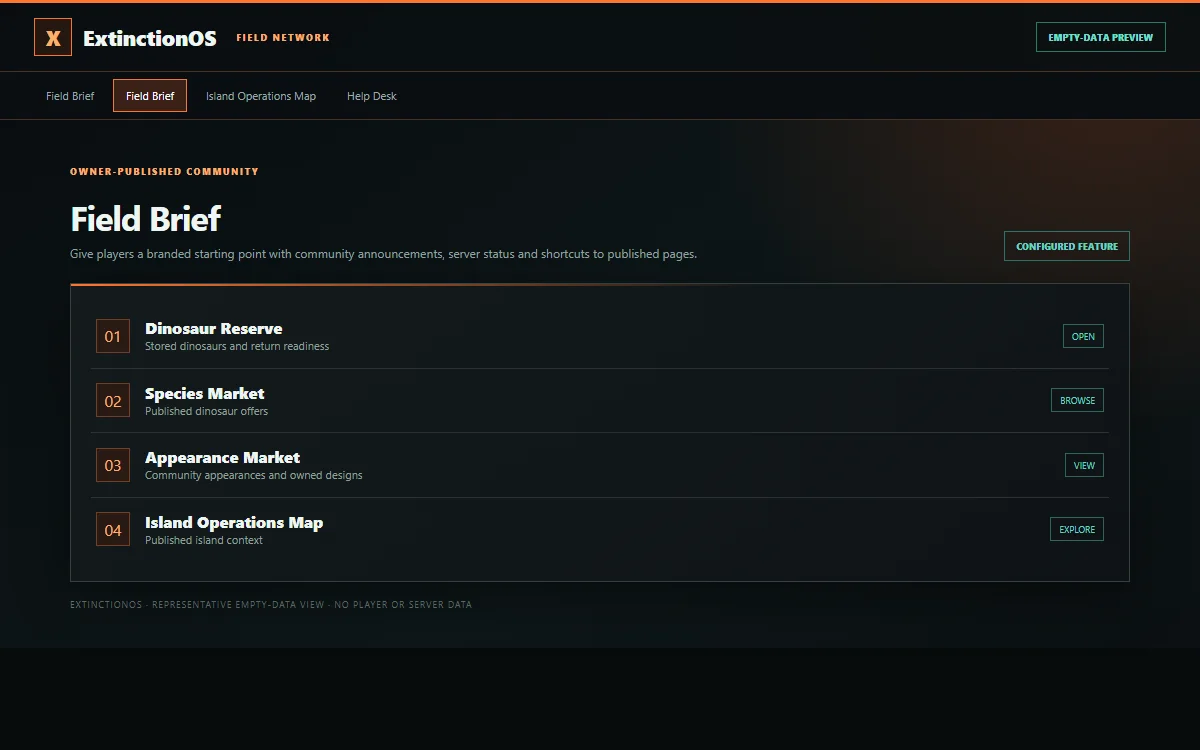
Curated product preview only. No player accounts or server credentials are shown.
A PLAN FOR YOUR NEXT CHAPTER
Current monthly USD prices load directly from platform subscription settings. Disabled plans are shown as unavailable. Final price and availability are confirmed in secure checkout.
Verifying current subscription plans…
Plans control access—not whether an unfinished integration is ready. Connector-dependent actions need the matching verified game runtime. Proximity voice is required for connected players, and features labeled In development are not promised as production-ready. Community-owner subscription earnings are separate from your ExtinctionOS platform plan.
| Access | Trailhead | Settlement | Command | Apex |
|---|---|---|---|---|
| Game servers | 1 | 2 | 3 | 5 |
| Overview, players, logs, community website | ✓ | ✓ | ✓ | ✓ |
| Moderation, whitelist, announcements | — | ✓ | ✓ | ✓ |
| Configuration, schedules, audit | — | — | ✓ | ✓ |
| All other current platform modules | — | — | — | ✓ |
Individual pages may require additional setup or role permission. The feature directory describes page-specific access.
FROM SUBSCRIPTION TO CONFIDENCE
After verified payment, Assistance takes new owners through the shared setup that makes the rest of the system work.
Name it, choose the game-host operating system and select the server your settings belong to.
Download the official package, use your one-time pairing code and follow the game-host instructions. Keep RCON credentials private.
The walkthrough links to the official Developer Portal and explains application ID, server ID, token, secret, callback and verification.
Save your community identity, choose player pages and publish when ready. Optional features are never enabled by the tutorial.
“Need help?” walkthroughs explain the relevant controls. Curated installation knowledge is combined with safe, read-only server status. Optional provider-assisted answers can be enabled by the platform operator.
CAPABILITY INDEX
Browse every indexed operation and player experience. Each record explains its outcome, controls, setup boundary, operating level, and verified runtime needs.
Loading the full feature directory…
A FEW THINGS WORTH KNOWING
No. The directory includes current features, guarded integrations and development pages. Labels explain which tools require a paired connector or further verification. Automated voice moderation, Mixpacking, Nesting and Cross-species Chat enforcement remain clearly labeled where their runtimes are not complete.
Yes. The landing, legal, Admin, and Community interfaces use responsive navigation, layouts, dialogs, tables, and scrolling controls for smaller screens. Dense map editing is still easier on a larger display. The Windows Companion is a desktop app.
No. Your plan determines access; you choose community pages and configure optional features. All Tools is a status directory. Only the ExtinctionOS platform owner can change its library switches. Server-owner controls live on their permitted feature pages.
Built-in verified knowledge works without an optional external answer provider. Private implementation files and deployment archives are never offered through support.
An eligible subscription, Discord access and a supported game host where you can install the connector. Guided setup explains credentials and commands with official links. Never share RCON passwords, tokens or complete configuration files in chat.
Proximity voice is required for connected live players and joins through the current Windows Companion after local microphone approval. Players retain push-to-talk, mute, deafen, input, and output controls. Same-species communication is standard unless an owner enables specific Cross-species Chat pairs.
MAKE YOUR COMMUNITY’S NEXT CHAPTER COUNT